index
BlueShell is a container-oriented terminal emulator for GNOME, combining the Ptyxis-style user experience with the Ghostty rendering engine. It brings first-class container support (Toolbox, Distrobox, Podman) together with Ghostty's high-performance HarfBuzz text rendering, Kitty graphics protocol, OSC 8 hyperlinks, GPU acceleration, and splits — packaged in Ptyxis's polished GNOME interface.
App ID: org.tunaos.BlueShell
What makes it different
| BlueShell | |
|---|---|
| Renderer | Ghostty — HarfBuzz, GPU-accelerated, Kitty graphics, OSC 8 hyperlinks, ligatures |
| Container integration | First-class — spawn shells in Toolbox / Distrobox / Podman from the new-tab menu via ptyxis-agent |
| Profiles | Ptyxis-style per-profile config snapshots — palette, font, opacity, cursor, command, scrollback |
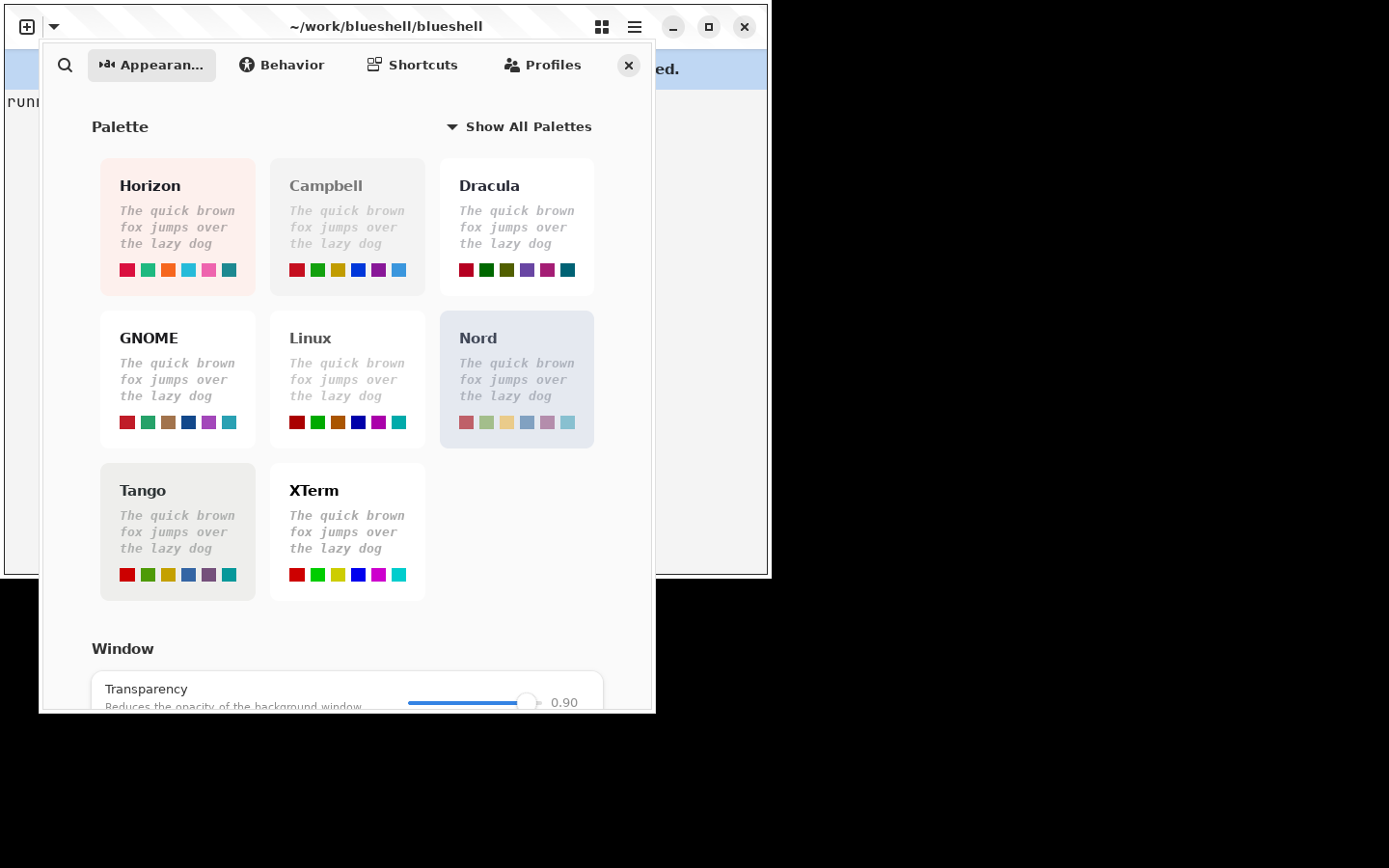
| Preferences window | Full Ptyxis-style UI — palette picker, font, cursor, scrollback, window theme, shell integration, notifications |
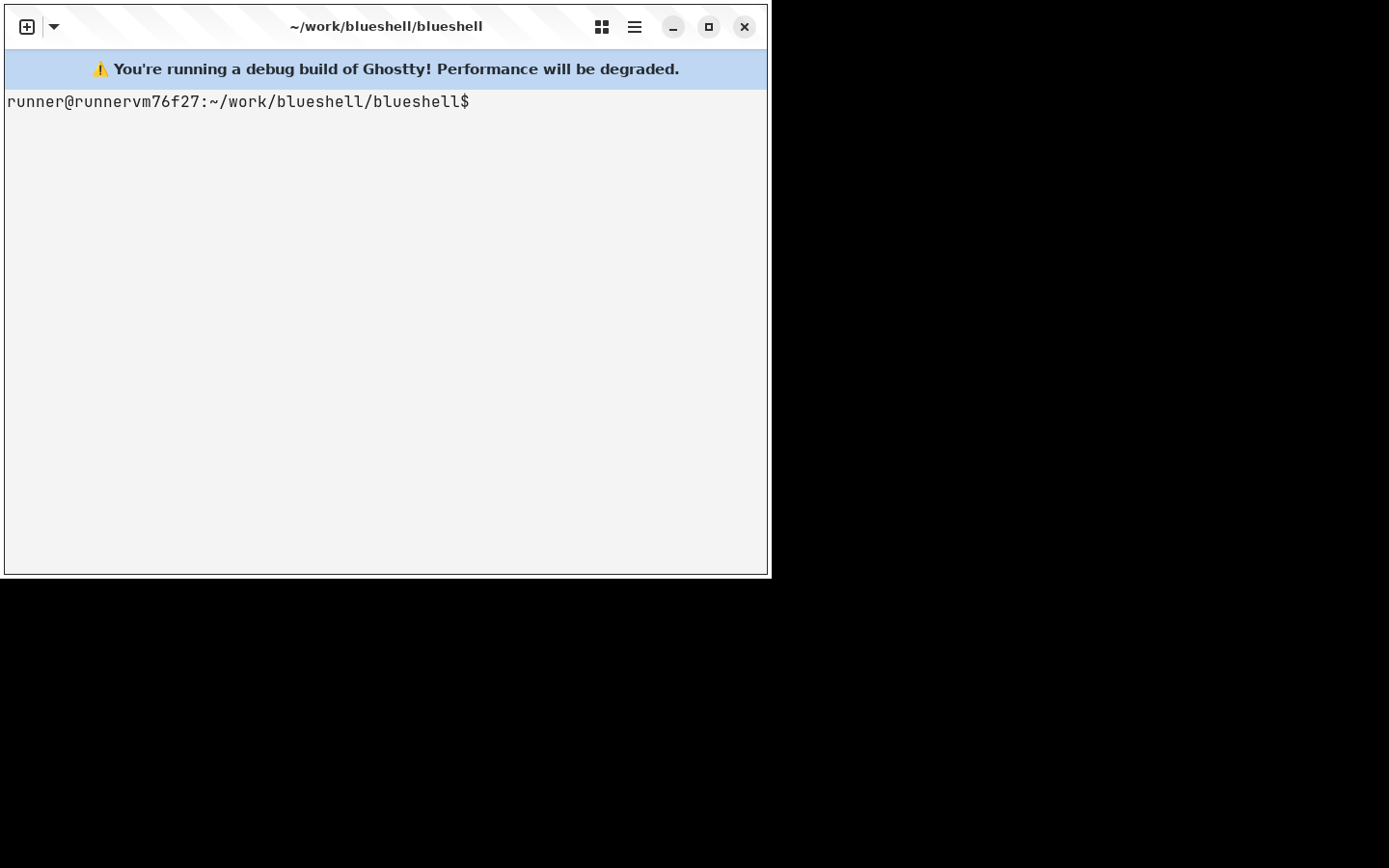
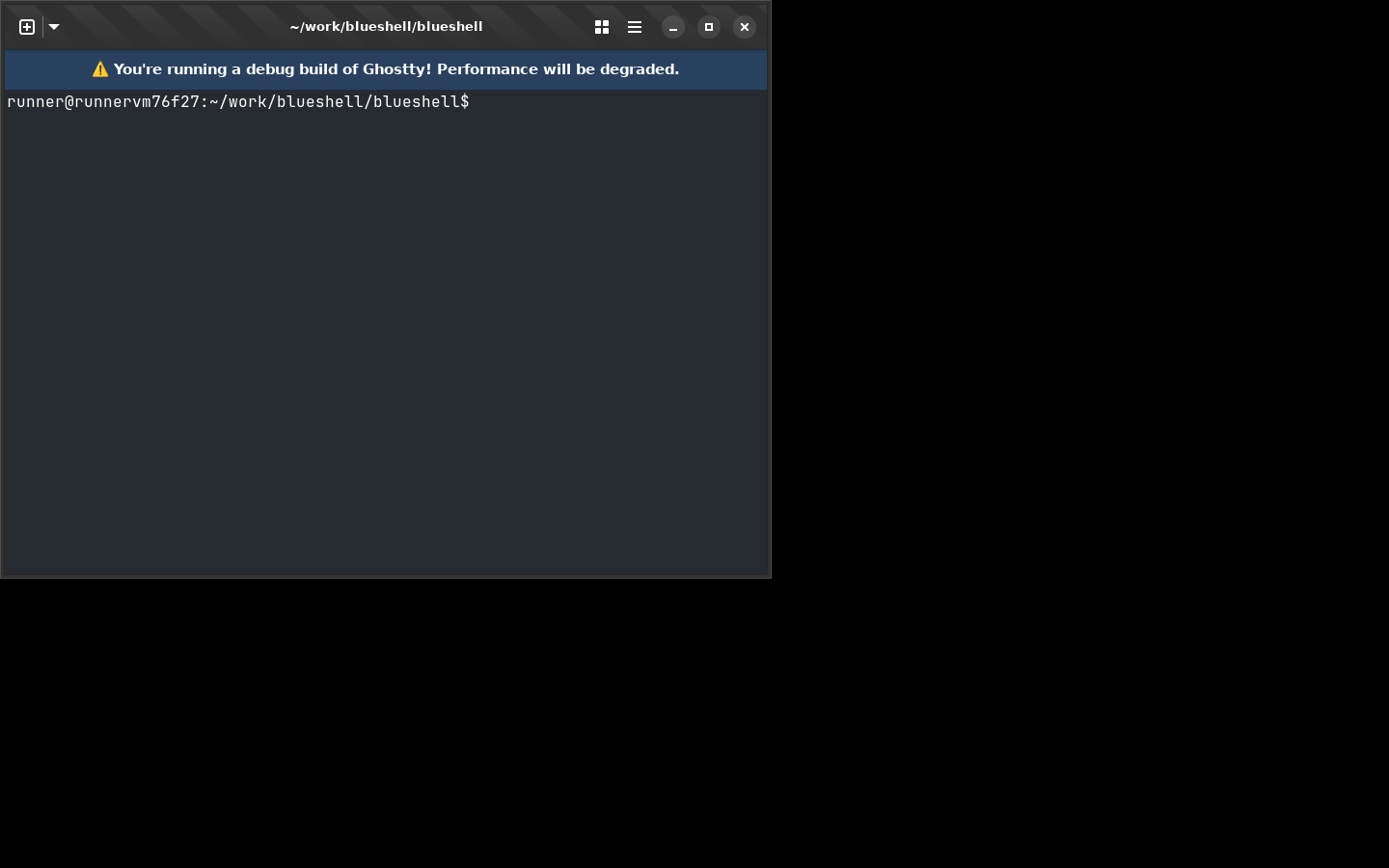
| Light / dark | Follows the desktop light/dark preference out of the box; the Ptyxis-style System / Light / Dark picker in the main menu overrides it |
| Agent awareness (preview) | herdr-style AI agent tracking (opt-in) — per-tab idle / working / blocked / done badges, desktop notifications, blocked-tab tint, "Next Blocked Agent" |
| Splits / tabs | Ghostty splits + tab overview |
| Command palette | Ghostty fuzzy command palette |
| Desktop | GNOME / Libadwaita, Wayland + X11 |
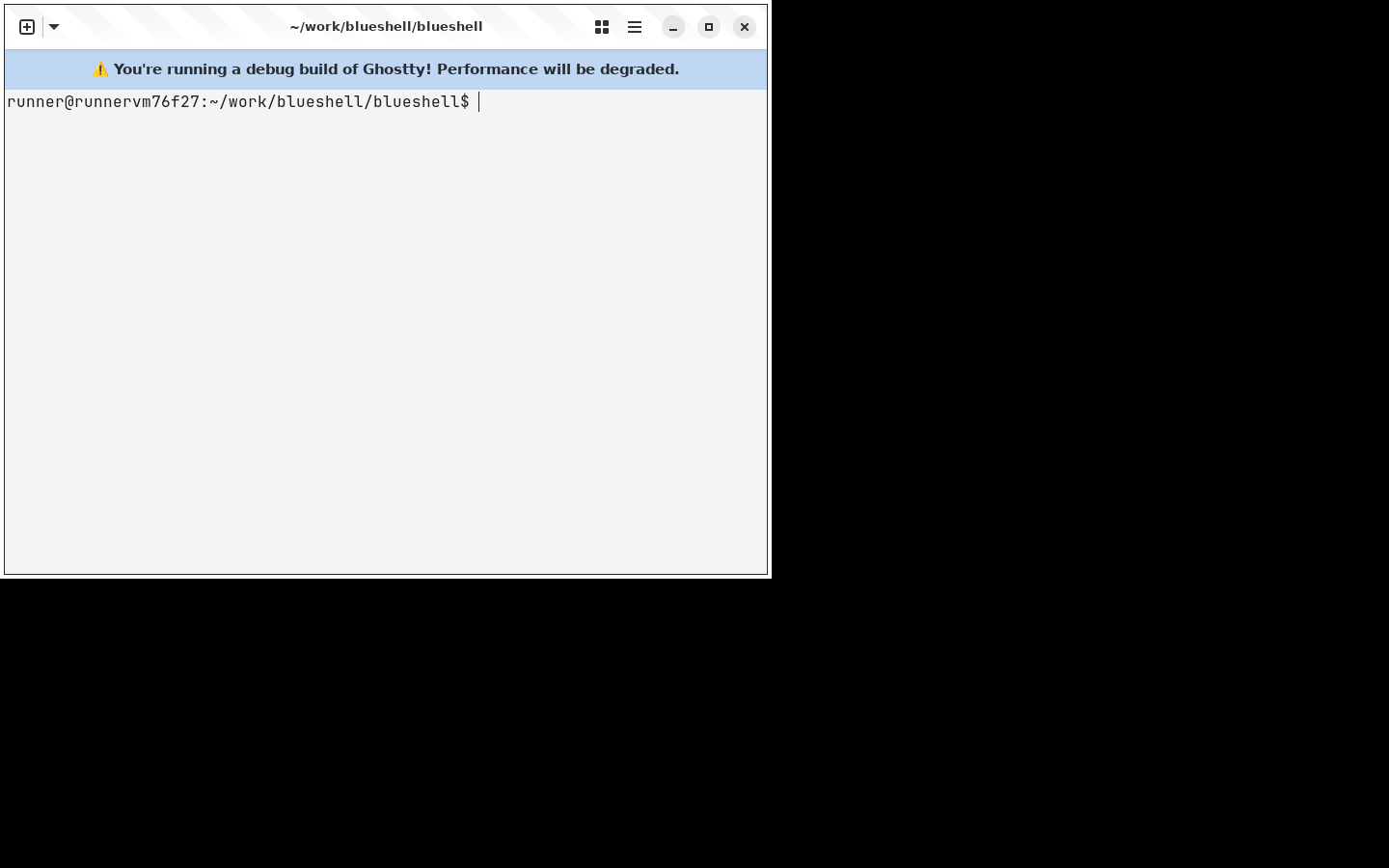
Screenshots
Always current: these images are captured by BlueShell's CI screenshot
walkthrough on every change to ptyxis-port and published to the
repository's screenshots branch.
 |  |
 |  |
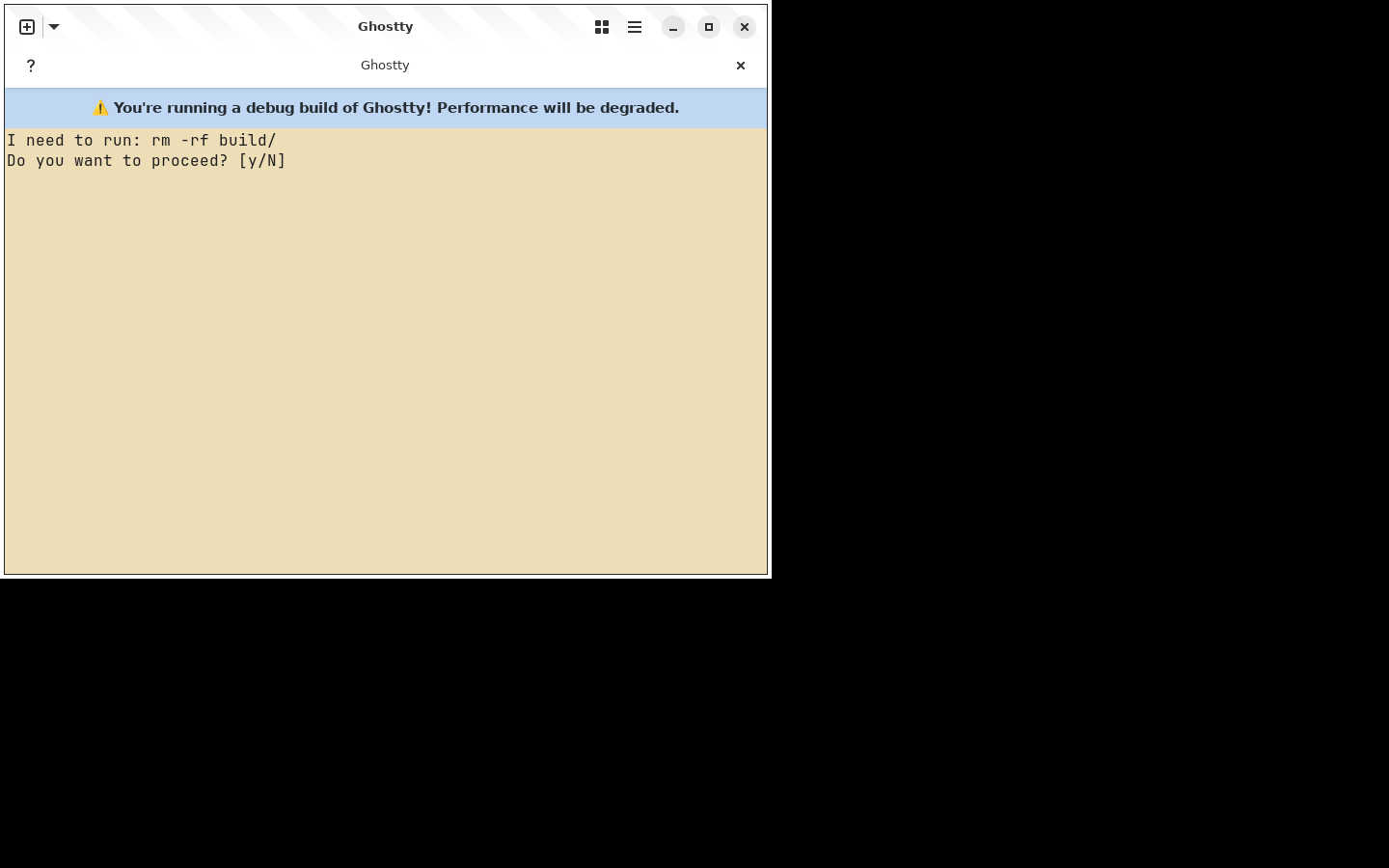
Theming
BlueShell follows the desktop light/dark preference with no
configuration: a light desktop gets a light terminal (GNOME/Adwaita
palette), a dark desktop gets the classic Ghostty dark colors, and a
system style switch repaints open terminals live. The System / Light /
Dark picker in the main menu forces a style for BlueShell alone
(window-theme = system|light|dark), and palettes applied from
Preferences carry both variants so they follow the system too. Explicit
colors or a single theme in your config always win over these
defaults.
Agent awareness (preview)
Opt-in, herdr-inspired tracking of AI coding agents running in your tabs (RFC #22):
# Which foreground processes count as agents (repeatable; empty = off).
agent-detect = claude
agent-detect = codex

# Desktop notification when an unfocused agent blocks or finishes.
agent-notify = true

# Amber background tint while an agent is blocked on a question.
agent-colors = true
Detected agents are classified idle / working / blocked / done from output activity and prompt-like text, shown as a badge on the tab; the tab overview doubles as an agent dashboard and Next Blocked Agent in the main menu jumps to the next tab waiting on input. Classification is heuristic by design, BlueShell never drives the agents themselves, and session persistence (tier 3 of the RFC) is future work. Linux only.
Installation
TunaOS Flatpak remote
Available once the tuna-os promotion lands; until then use the nightly bundle below.
flatpak remote-add --if-not-exists tuna-os https://tunaos.org/flatpak/tuna-os.flatpakrepo
flatpak install tuna-os org.tunaos.BlueShell
Updates then arrive through normal flatpak update. The app is listed on
tunaos.org alongside the other TunaOS apps.
Flatpak — one-line install (nightly bundle)
CI builds a fresh Flatpak bundle on every commit to ptyxis-port. Install the latest:
curl -L https://nightly.link/tuna-os/blueshell/workflows/ghostty-ptyxis/ptyxis-port/BlueShell.flatpak.zip \
  -o BlueShell.flatpak.zip \
  && unzip -o BlueShell.flatpak.zip \
  && flatpak install --user --reinstall BlueShell.flatpak
Flatpak — build from source
flatpak-builder --install --user build-dir flatpak/org.tunaos.BlueShell.yml
Build from source
Requires Zig 0.15.x and the GTK/Libadwaita development stack. On Fedora 43+:
# Inside a toolbox or on the host:
sudo dnf install blueprint-compiler gtk4-layer-shell-devel libadwaita-devel meson

# Download Zig 0.15.x from https://ziglang.org/download/ and put on PATH

git clone https://github.com/tuna-os/blueshell
cd blueshell
zig build -Dapp-runtime=gtk -Doptimize=ReleaseFast
# Binary at zig-out/bin/ghostty
See HACKING.md for the full developer guide including the debug build workflow. Also see TESTING.md for the test architecture (unit, integration, UI smoke, screenshot walkthrough), UPSTREAM_SYNC.md for how the fork tracks upstream Ghostty, and docs/TUNA_OS_PROMOTION.md for the tuna-os promotion + Flatpak remote plan.
Container integration
BlueShell detects running Toolbox and Distrobox containers at startup and lists them in the new-tab menu. Selecting a container spawns a shell inside it via ptyxis-agent, which handles the D-Bus socket and PTY handoff.
Agent resolution order:
PTYXIS_AGENTenvironment variable/app/libexec/ptyxis-agent(Flatpak bundle)- A sibling binary next to the
ghosttyexecutable
No extra configuration needed — if you have Toolbox or Distrobox installed, containers appear automatically.
VM and cluster targets (opt-in)
Beyond containers, the agent can list VM and cluster shells in the new-tab
menu. These are off by default; opt in with a comma list in
BLUESHELL_VM_PROVIDERS (e.g. in ~/.profile):
export BLUESHELL_VM_PROVIDERS=lima,incus # or: all
| Provider | Needs on PATH | Opens a shell via |
|---|---|---|
lima | limactl | limactl shell <name> |
incus | incus | incus exec <name> -- |
libvirt | virsh | virsh console <domain> (serial console; exit with Ctrl+]) |
kubernetes | kubectl | kubectl exec -it <pod> [-c <container>] -- (current context/namespace) |
kubevirt | virtctl + kubectl | virtctl console -n <ns> <vmi> |
corral | corral | VMs: corral ssh <name> · containers: corral ct console <name> (tuna-os/corral) |
Only running instances are listed; a provider whose tool is missing is skipped silently. Enumeration happens at agent startup (restart the app to pick up new VMs).
Profile system
Profiles are Ghostty config file snapshots stored in:
~/.config/ghostty/config                  ← active config Ghostty reads
~/.config/ghostty/profiles/<name>.config  ← named snapshots
~/.config/ghostty/profiles/.active        ← name of the currently active profile
Switching a profile copies the snapshot over the active config and triggers a live reload. Saving overwrites the snapshot from the current active config.
The per-profile editor (accessible from Preferences → Profiles → Edit…) lets you configure per-profile:
- Palette (full 244-palette picker)
- Font family, size, thicken
- Background opacity, cursor opacity
- Bold is bright
- Custom command, exit action, tab title prefix
- Backspace/Delete key compatibility
- Scrollback limit
Preferences
Open with Ctrl+, or the hamburger menu.
Appearance
- Palette picker (244 palettes from the Gogh collection)
- Background transparency + blur
- Font family/size/thicken
- Line spacing, column spacing
- Cursor shape (block / hollow block / I-beam / underline), blinking, opacity
Behavior
- Tab bar visibility + position + wide tabs
- Window save state (restore on next launch)
- Mouse hide while typing, copy-on-select
- Scrollbar, scroll on keystroke/output, scrollback limit
- Shell integration
- Notify on command finish, desktop notifications
- Confirm before closing
Shortcuts
- Live list of active keybindings from the current config
- Quick access to open the config file or reload config
Profiles
- Create, switch, save, delete profiles
- Open the per-profile editor
Key bindings (defaults)
| Action | Binding |
|---|---|
| New tab | Ctrl+Shift+T |
| Close tab | Ctrl+Shift+W |
| Next / previous tab | Ctrl+Tab / Ctrl+Shift+Tab |
| Split right | Ctrl+Shift+D |
| Zoom in / out | Ctrl+= / Ctrl+- |
| Command palette | Ctrl+Shift+P |
| Preferences | Ctrl+, |
| Search | Ctrl+Shift+F |
All keybindings are configurable via keybind = trigger=action in ~/.config/ghostty/config.
Configuration
BlueShell uses Ghostty's standard config format at ~/.config/ghostty/config. All Ghostty config options are supported. Changes are applied live via Preferences or by editing the file and pressing Ctrl+Shift+R.
Credits
- Ghostty by Mitchell Hashimoto — terminal emulation engine, renderer, GTK apprt
- Ptyxis by Christian Hergert — UI design, container integration, palette collection, profile system design
- BlueShell ports Ptyxis's UI into Ghostty's GTK apprt as Zig
License: GPL-3.0-or-later (matching both upstream projects)